
FaceTime has been adapted for Android and Windows … this is a phrase we thought we would never type. In iOS 15, it is possible to invite friends through a link. We tested the experiment.
What is not a word ‘iOS 15 It was announced and made available to developers in a first beta, obviously we downloaded and installed it. One of the first functions we wanted to try was FaceTime on Android and Windows. She is the Arlésienne we expected, not knowing if Apple would one day succumb to her. It’s done, FaceTime works on Android and Windows. Well, almost … We tried the experiment.
Without application, it happens in the web browser.
There is no FaceTime app on Android and Windows, FaceTime works on the web through a web browser. When you want to invite someone to FaceTime, you create a discussion that generates a link that you then share by whatever means you want (SMS, email, etc.).
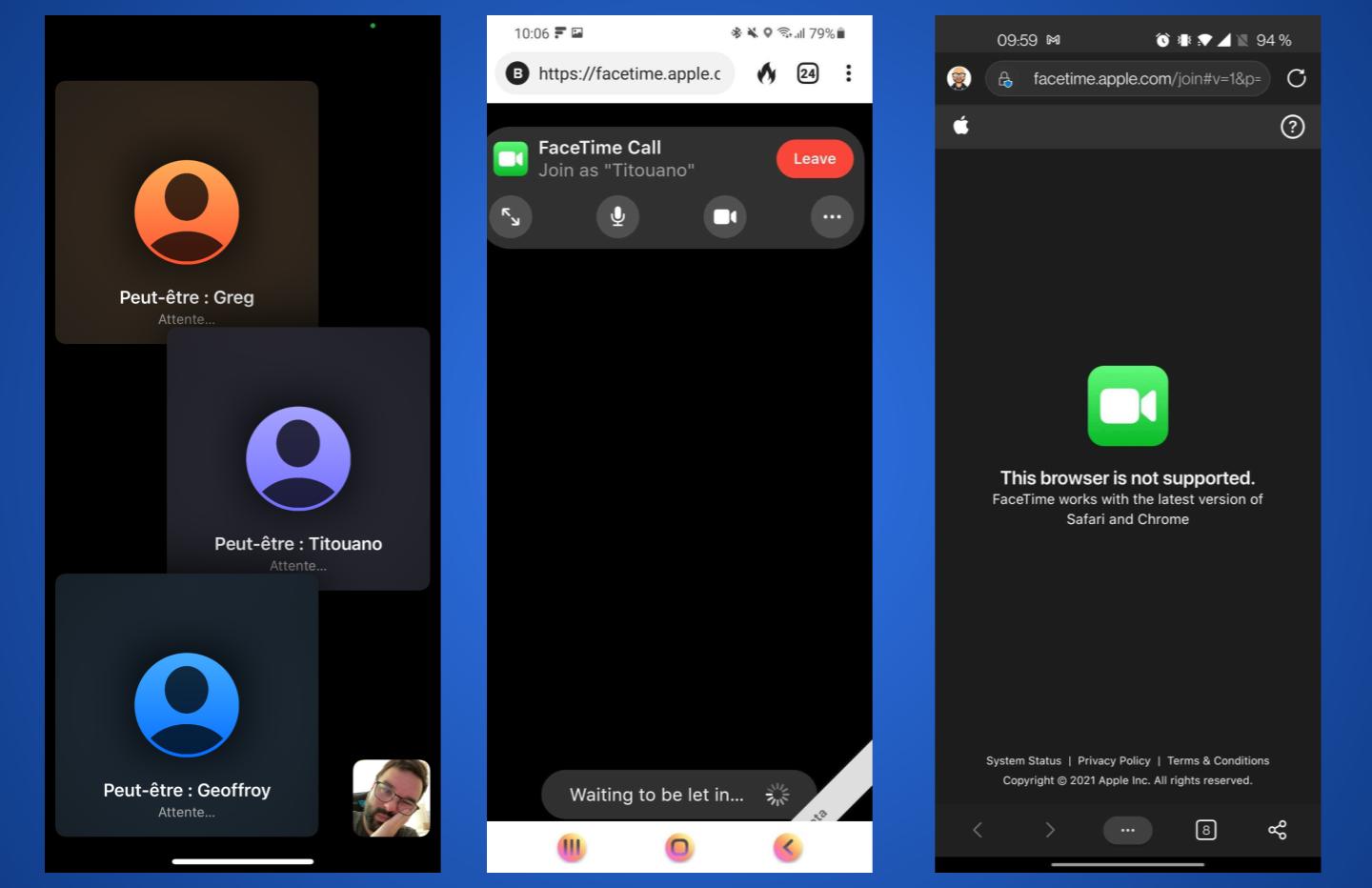
First observation: not all browsers support FaceTime. If you use Microsoft Edge On Android, an error message appears stating that the browser is not supported. Therefore, we must launch Chrome, the native Android browser.
Unfortunately, this is the beta game, it is still too early to try FaceTime on Android and PC. We tested the experiment with several members of the newsroom: we can connect … but the connection is not established. All participants remain on hold, not knowing exactly what is happening. However, we can realize the experience that Apple offers.
You do not need an Apple account to log in
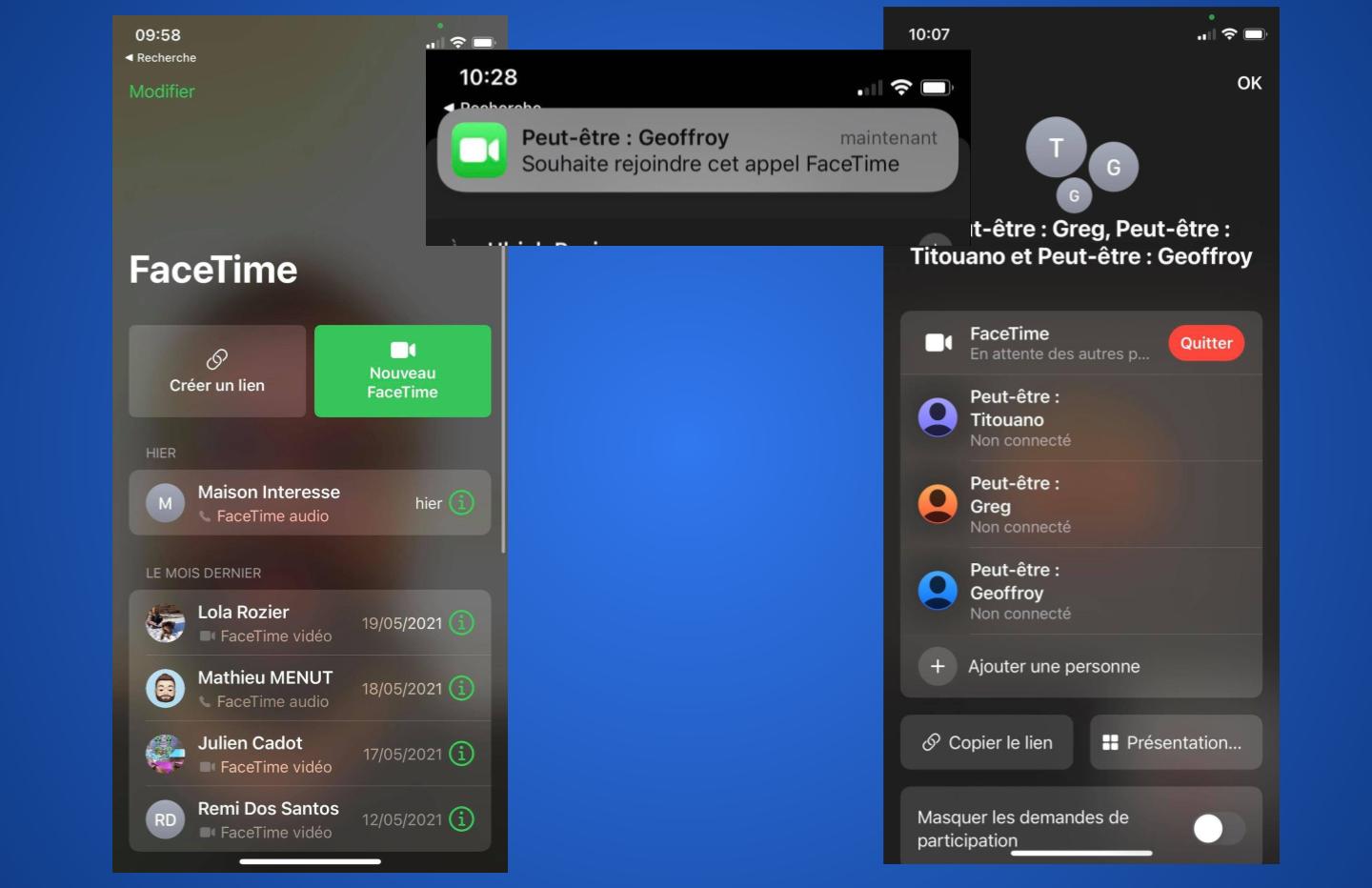
First observation, we send a link to a recipient without knowing exactly if he is the one who will connect to the discussion. So you have a notification that appears on the iPhone with an enigmatic message “Maybe: Manu”. Therefore, you must authorize this person to connect to authenticate them. The notification is clear and directly shows a validation button.
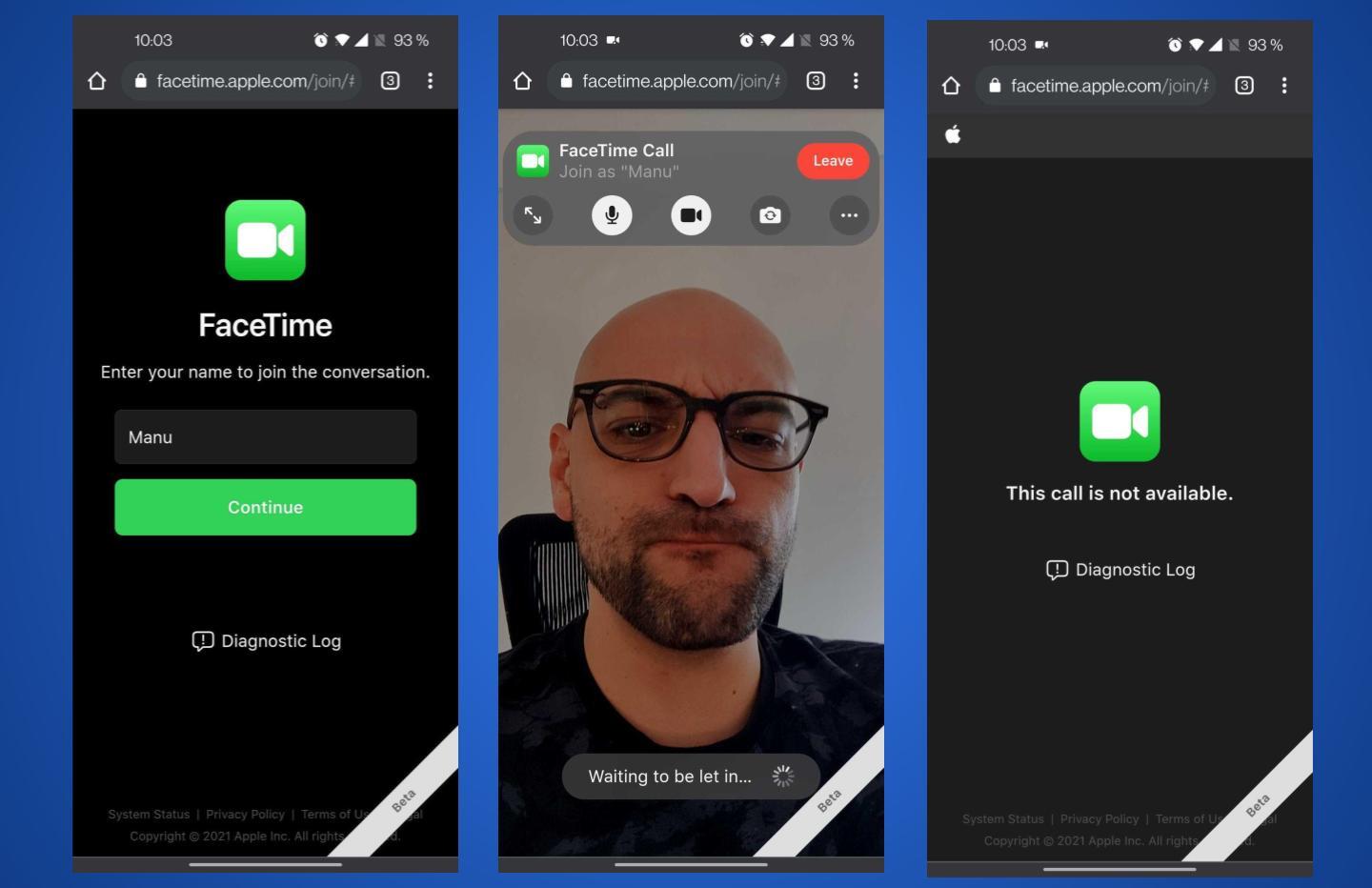
On the user side on Android, this is the experience on offer
On the side of people invited to connect, they need to tap on the shared link, give permission to access the microphone and camera, and then fill in the display name. The steps are relatively simple and clear, it is not necessary to have an Apple account to benefit from itr.

Also on Windows this is supposed to work
We will try the experiment again later. In any case, this “opening” Competition from Apple is a good thing. We would have preferred a full, native app, but it’s an appreciable first step for iPhone, Mac, and iPad users who would like to invite people. “External” to FaceTime conversations.

Here’s how to follow WWDC 2021 live, Apple’s speech dedicated to developers and that will introduce the new features planned for iOS 15, iPadOS 15, watchOS 8 or even macOS 12.
read more


Introvert. Beer guru. Communicator. Travel fanatic. Web advocate. Certified alcohol geek. Tv buff. Subtly charming internet aficionado.

